
Mortgage Rate Lock vs Floating: What Buyers Should Confirm
Mortgage Rate Lock vs Floating: What Buyers Should Confirm about lock status, expiration dates, extension costs and rate changes before closing.

On this page
On this page
Is your closing date inside your rate lock window? Page 1 of the Loan Estimate shows whether your rate is locked and the date and time the lock expires, so you can check your status on the paperwork rather than asking for a verbal answer.
Three answers from your lender settle how exposed you really are: the exact expiration time with its time zone, the cost to extend the lock, and which changes to your application would trigger repricing. A floating rate has no such deadline because it is not locked at all, so it can move at any point before you commit.
Table of Contents
- What Does a Rate Lock Commit the Lender To?
- Where Does Your Rate Lock Status Show Up?
- How Does a Locked Rate Compare With a Floating Rate?
- What Can Change a Rate That Is Already Locked?
- How Long Should a Rate Lock Last, and What If Closing Slips?
- Confirm Your Lock Terms Before You Rely on Either
What Does a Rate Lock Commit the Lender To?
The CFPB's explanation of rate locks keeps the promise narrow. A lock covers the time from the loan offer to closing, but only while two conditions hold: the loan closes within the specified time frame, and the application does not change. A rate that is not locked carries no such promise, so it can change at any time before closing.
Rate lock policies vary by lender, according to the CFPB, which is why your own lender and the rate lock agreement confirm the terms for your loan.
Choosing between a fixed and an adjustable rate is a separate conversation, and so are the income and credit checks that come before writing an Emerald Coast offer, which Dream Destin Realty covers in its prequalification and preapproval guide.
Where Does Your Rate Lock Status Show Up?
Receiving a Loan Estimate is not the same as holding a lock. The CFPB's Loan Estimate guide explains that some lenders lock the rate as part of issuing the form and some do not.
The answer sits at the top of page 1, where the Loan Estimate shows whether the rate is locked and, if it is, for how long.
Federal Regulation Z makes that placement mandatory rather than optional. 12 CFR 1026.37(a)(13) requires a Rate Lock statement on the Loan Estimate giving the date and time, including the time zone, when a locked period ends, and stating that the rate, points and lender credits may change unless the rate has been locked. Read the time zone carefully.
What Follows a Lock Taken Later
If the Loan Estimate arrived with the rate not locked and the rate is locked afterward, a second disclosure follows. Under 12 CFR 1026.19(e)(3)(iv)(D), the lender must provide a revised Loan Estimate no later than three business days after the rate is locked, showing the revised rate, points, lender credits and other rate dependent charges.
Ask for that revised form and keep it with your file. If you request a lock extension, the official interpretation of 12 CFR 1026.19(e)(3)(iv), comment 2, allows the revised disclosures to reflect a rate lock extension fee. Reading the full form line by line is covered in Dream Destin Realty's closing cost comparison of the Loan Estimate and the Closing Disclosure.
How Does a Locked Rate Compare With a Floating Rate?
Same loan, same lender: what changes is whether the quoted rate is settled or still free to move. Four rows carry the comparison.
| Factor | Locked rate | Floating rate |
|---|---|---|
| What is settled | The quoted rate in the lock, if the loan closes inside the lock time frame and the application stays the same | Nothing yet, because the rate can change at any time until it is locked |
| What can still change | The rate, if the application changes, per the CFPB, and the lock itself if closing runs past expiration | The rate, points and lender credits until the rate is locked |
| Where it is shown | Top of page 1 of the Loan Estimate, which shows whether the rate is locked and for how long | Top of page 1 of the Loan Estimate, where the Rate Lock statement says the rate may change |
| What to ask the lender | Whether the quoted price assumes this lock period, and what the lock costs if anything | When the rate can be locked, and whether a shorter or longer lock period is available |
Check that third row against your own form. The Loan Estimate reports either state at the top of page 1, so the choice runs inside one document: the price quoted now against the chance that price moves before the rate is locked. A longer window can carry a different price than a shorter one, so ask for the quote under each.
Lock timing sits on top of a choice already made: fixed or adjustable.
What Can Change a Rate That Is Already Locked?
The CFPB names these triggers:
- A different loan type or down payment
- An appraisal higher or lower than expected
- A credit score shift
- A different loan amount, or income the lender could not document
Ask which specific changes reprice the lock; compare the answers with the lock status shown on page 1 of the Loan Estimate.
How Long Should a Rate Lock Last, and What If Closing Slips?
Start with the expiration date, then set it against the closing date written into your purchase contract. On the Loan Estimate, page 1 carries a rate-lock status line that says whether the rate is locked and, if it is, until when; the finer timing terms still sit in the lock agreement. If the expiration lands before the closing date, the lock may be expensive to extend, per the CFPB.
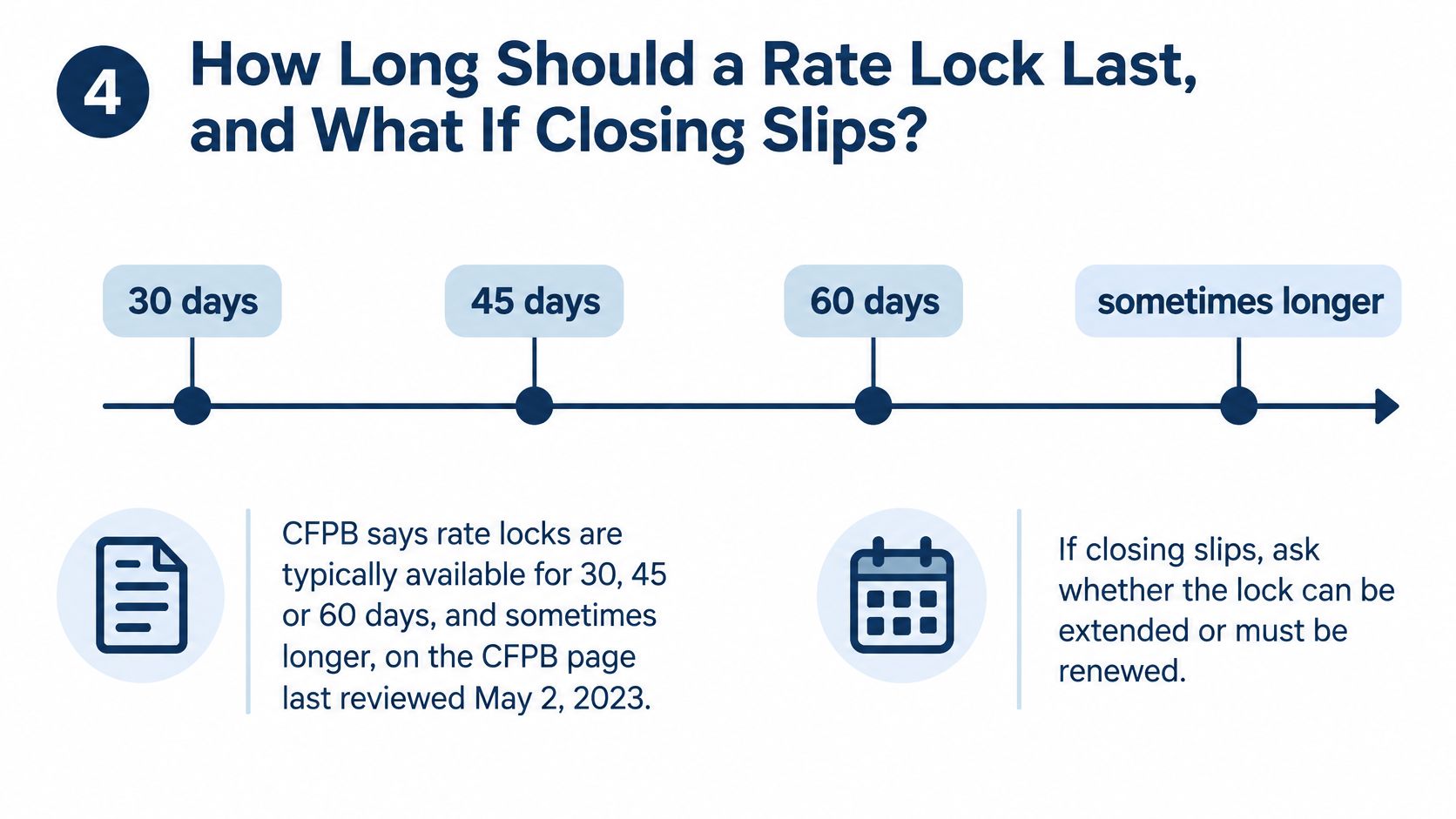
The CFPB's explanation of rate locks, last reviewed May 2, 2023, says locks are typically available for 30, 45 or 60 days, and sometimes longer. A lock should cover the time until closing, with room for the steps that still have to finish inside that window.
What the Loan Estimate Never Tells You
Three items do not appear on the Loan Estimate form:
- The cost to extend the lock.
- How much you are paying for that specific lock time frame.
- Whether a different time frame would cost more or less.
You have to ask the lender, and the answers belong in writing rather than in a hallway conversation.
Who pays for an extension, and whether a new lock is even possible after expiration, comes from the written agreement and the lender's policy. Do not assume either outcome.
The purchase timeline from offer to closing, including where the loan and appraisal steps land, is laid out in Dream Destin Realty's plain-language guide.
Confirm Your Lock Terms Before You Rely on Either
Page 1 of the Loan Estimate shows whether the rate is locked and until when, and that single line is where the form stops. Everything else about how the lock behaves comes from the lender, so send these questions in one message and ask for the answers in writing.
- What is the lock time frame, down to the date and time zone?
- Is a shorter or longer lock available, and what does each cost?
- What happens if closing is delayed and the lock expires?
- Under what conditions could a locked rate still change?
- If rates fall after locking, what happens?
Filing the Lock Terms in Your Purchase File
- Get the rate lock agreement. The terms for your loan live in that document and in the lender's written policy. A phone answer is a starting point; the agreement is the record.
- Set the expiration beside the contract closing date. If the lock ends first, you need to know while there is still room to extend it or renegotiate the schedule.
- Keep the written answers in the purchase file. They are what you refer to if a schedule slips or a fee appears on a later disclosure.
For help organizing these questions before a lender conversation, contact Dream Destin Realty at the brokerage contact page.


